Does it need Python, Node.js or llama.cpp?
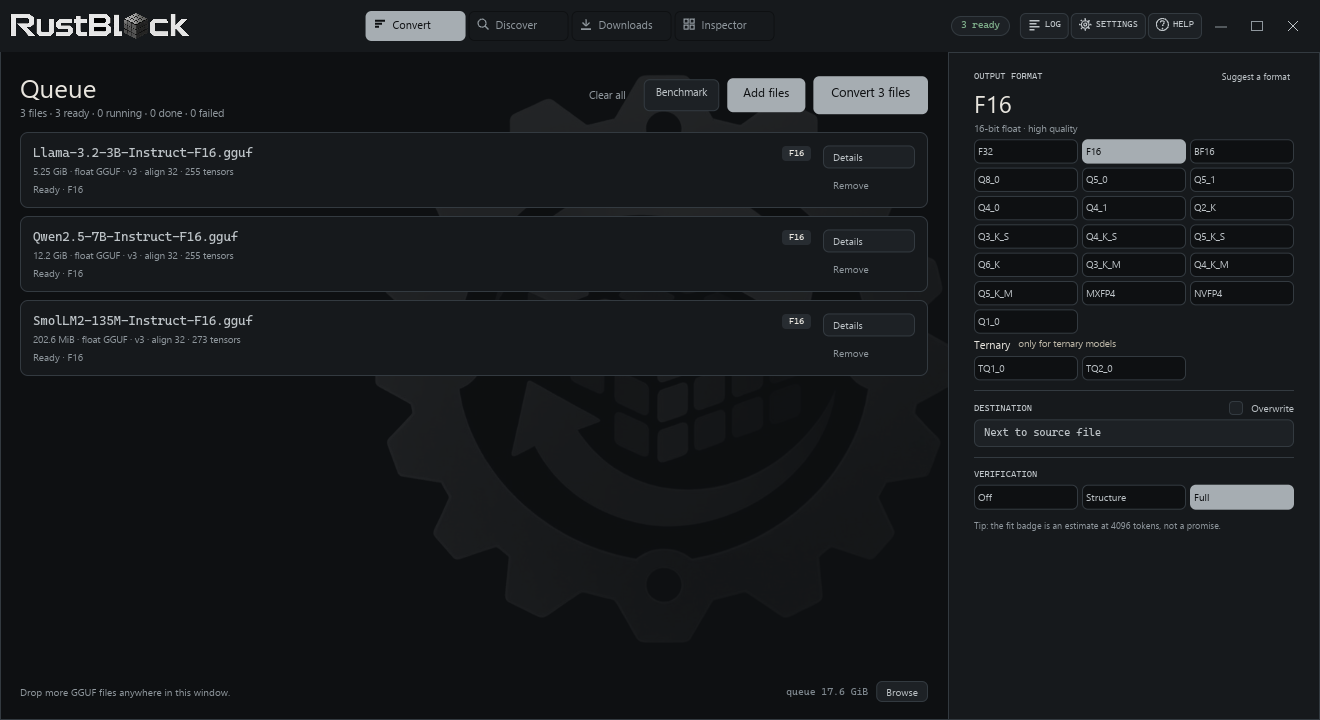
No. Conversion, quantization, reblocking and verification are native Rust. Optional integrations can call llama-bench, llama-imatrix or Ollama when those tools are installed, but they are never required to convert a model.
Is my model uploaded anywhere?
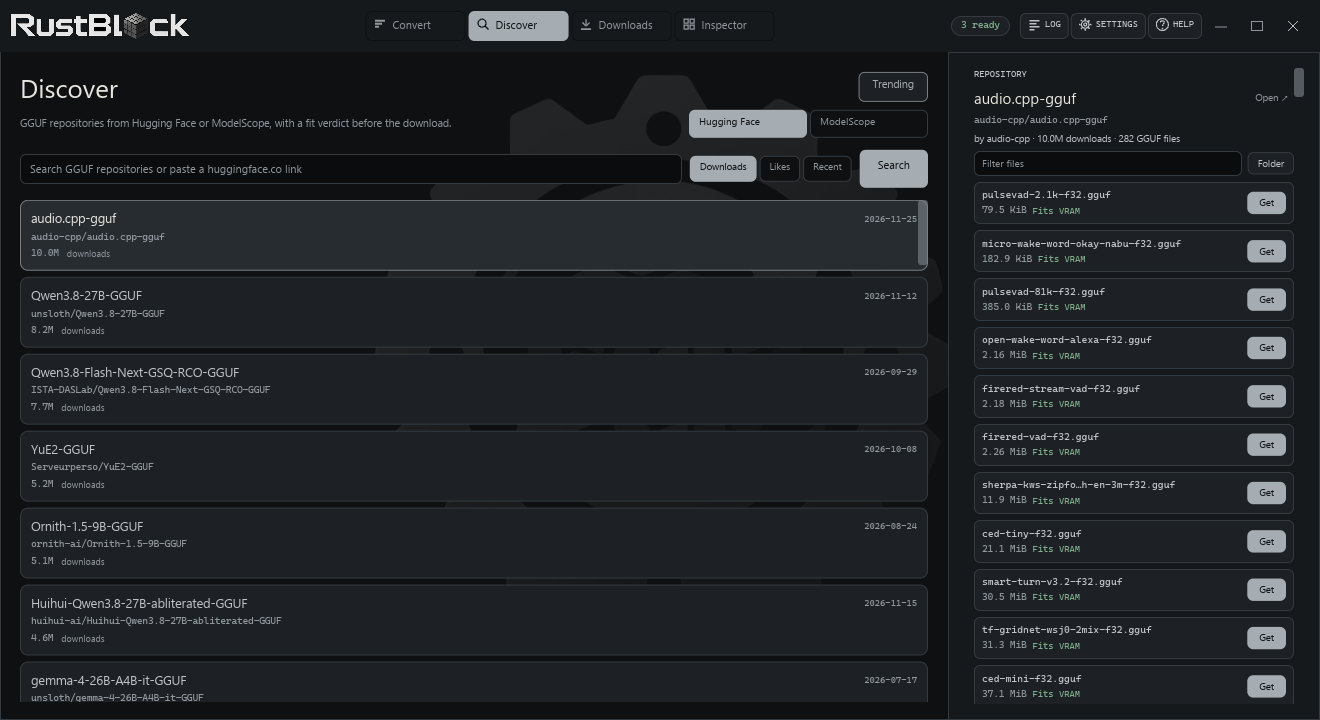
Never. Conversion runs locally and offline. Network access is used only for an explicit Hub search, a download you requested, or the update check.
What happens if verification fails?
The temporary output is discarded. The source file was opened read-only and is never modified.
How do updates work?
The installed build asks GitHub for the latest release on launch. Settings → Updates shows the new version, downloads the per-user installer and restarts when it is ready. No elevation prompt is involved.
Can I script it instead?
Yes. The rustblock CLI shares the same native core: inspect, verify, convert, fit, split, merge, download and more. Every conversion exposes the same verification levels as the app.
Which platforms are supported?
Windows 10/11 x64 gets a per-user installer with OTA updates and a portable ZIP. Linux x86_64 and macOS 11+ (Apple Silicon and Intel) are published as tar.gz archives with the GUI and the CLI. All three platforms build from the same Rust workspace.
Are the macOS and Linux builds signed?
The macOS archives are ad-hoc signed but not notarized: on first launch, right-click the app and choose Open, or remove the quarantine attribute with xattr -d com.apple.quarantine. Linux archives are plain .tar.gz files with no installer signature involved.